
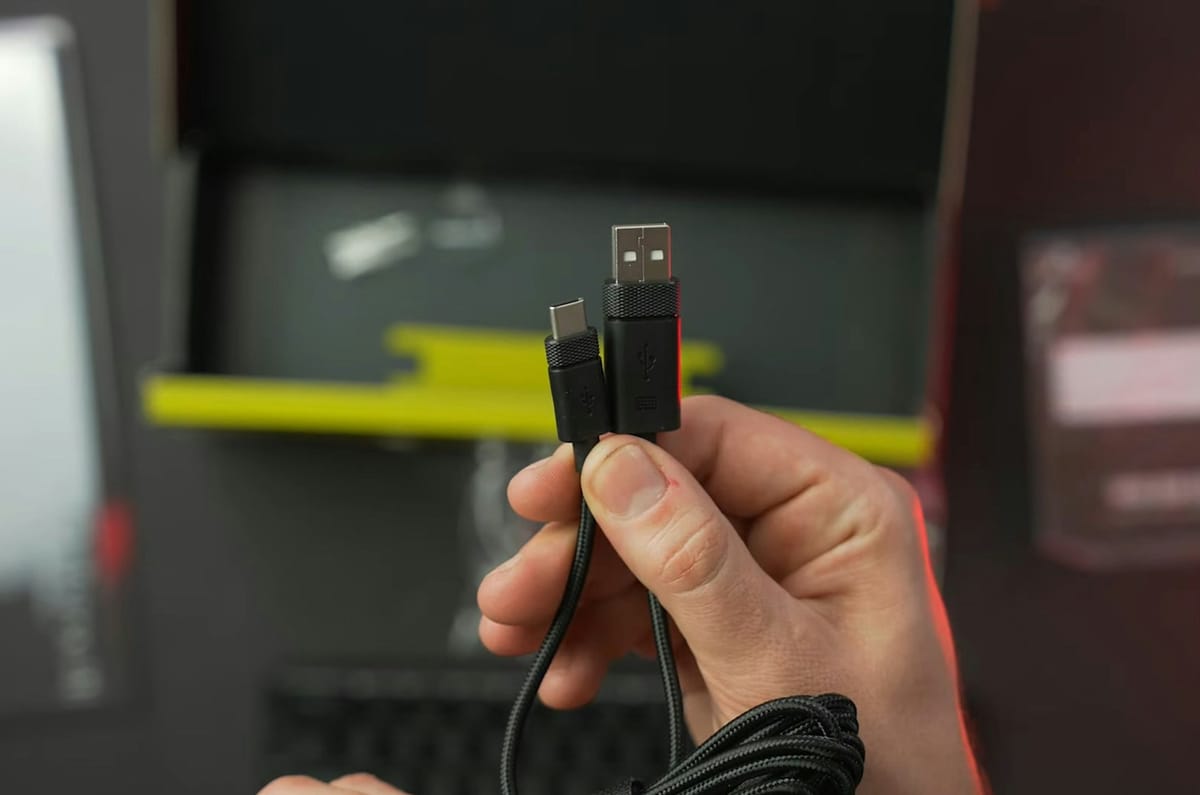
Not every USB-C cable performs the same job, even when the connectors look identical. A quick check of the specs can help you avoid pairing the wrong cable with your charger or device.

You pull two USB-C cables from the same drawer. Both fit your phone, yet one charges it noticeably quicker. Cable power rating, charger output and device limits can each affect the result.
USB-C describes the connector at each end. It does not guarantee one charging speed. If you already rely on portable power banks, the cable between the battery pack and your phone can limit what the setup delivers.
 Liz Thorne
The plug does not tell you the power rating
USB-C cables can support very different power levels. Stuff South Africa reviewed an Anker USB-C to USB-C cable rated for up to 140W when paired with a compatible wall charger. A lower-rated cable can fit the same USB-C port while supporting less power. The same distinction is worth remembering when you pack a charging cable in your roadside kit. A cable that handles a phone comfortably may not match the power requirements of a laptop or another higher-wattage device.
 Liz Thorne
A USB-C connector can make two cables look interchangeable even when their power limits differ. Your cable has its own electrical limits, and the connector alone will not show you what those limits are.
Your charger and device set limits as well
A high-wattage cable does not create extra power. Your charger has an output limit, your cable has a rating, and your device has a maximum supported charging input. The lowest compatible rating in that chain limits the available charging power.
Current rating can differ as well. Incredible Connection, for example, sells a Samsung USB-C to USB-C cable rated for up to 5A. Checking the amp or watt rating can help you compare two cables that look almost identical. Reusing an older cable with a newer budget smartphone can also mean the cable does not match the charging capability of the replacement phone. The same applies when you swap chargers but leave the cable unchanged.
 Liz Thorne
What to check before you buy another cable
Read the cable specifications before you pay. Check whether it is USB-C to USB-C or USB-A to USB-C, then check the supported wattage or amperage. Match that information with the charger output and the charging specification for your device.
Cable length can play a part. MyBroadband tested ten USB-C cables and found that longer cables have more electrical resistance, while higher resistance can mean slower charging or more power lost as heat at similar power levels. Data capability deserves a separate check if you also transfer files. A cable can support high charging power with a slower data standard, which means charging performance and file-transfer speed should not be treated as the same specification.
Two cables can fit the same port and still have very different power ratings. The connector is only the first piece of the charging setup.
You do not have to memorise every USB standard to avoid buying the wrong cable. Match the charger, cable and device before you spend, because the lowest compatible power level sets the charging limit. The plug tells you where the cable fits; the specifications tell you what your charging setup can deliver.
 Anchen Coetzee
 Mariana Balt
 Naomi Roebert

Comments ()