
USB hub or docking station for your laptop?
A row of HDMI, USB and network ports looks impressive until half of it goes unused. Check what your computer supports before spending extra.
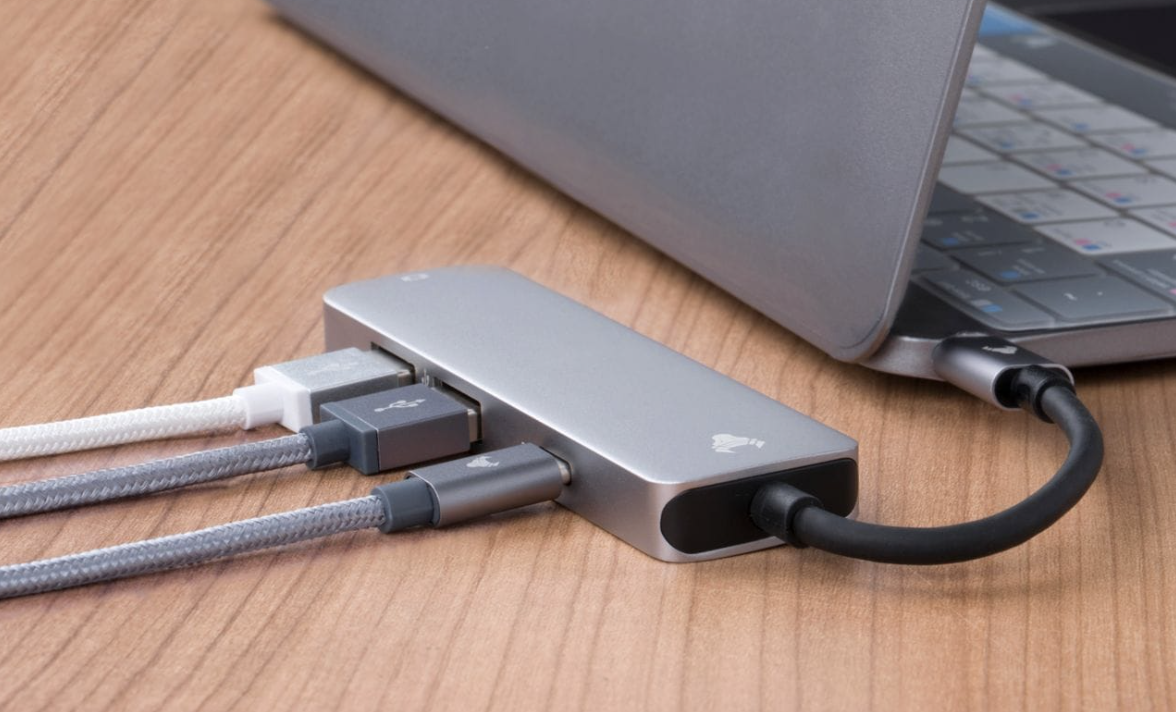
A laptop with two ports is fine until your charger uses one and the other has to deal with a mouse, external drive, monitor, keyboard, memory card and whatever else ended up on your desk. A USB hub and a docking station both give you extra connections, but buying by port count alone is an easy way to spend money on the wrong box.
Start with what you plug in every day
Count the gear you connect before shopping. If you use a mouse, keyboard, flash drive and one screen, compare compact hubs first. If your laptop lives at a desk beside monitors, Ethernet, speakers and storage, a dock starts to earn its place.
Your desk setup already needs thought when choosing monitor size, and the same logic applies to extra connections. Space, power sockets and the number of cables you plug in each morning should guide the purchase before an impressive row of ports does.
 Liz Thorne
A hub answers the problem of needing a few extra connections. A dock belongs in the comparison when several desk devices need one laptop connection. More ports have no value if most of them never get used.
Match the dock to your laptop’s capabilities
USB-C describes the connector, not every feature behind it. Dell South Africa notes that not every USB-C port supports video output and advises checking whether the laptop port supports features such as DisplayPort Alternate Mode or Thunderbolt before choosing a dock.
A product page might show HDMI, Ethernet, USB-A and charging, while your laptop supports only some functions through its own port. Check the laptop manual and the accessory specification against each other before paying. The matching plug is only the first check.
Buy for the setup you have
A compact hub works well if your laptop travels with you and needs a few extra connections. A dock earns the extra spend when several desk devices connect each day and one laptop connection replaces repeated plugging and unplugging.
Check your laptop manual, charger wattage, screen outputs and device count before checkout. A cheap hub that lacks the port you need wastes money, while a full dock with unused features becomes an expensive box on the desk.
Count the devices that live beside your laptop before you spend anything. Your monitor, mouse, keyboard, storage and network connection tell you more than a product photo does. A long spec sheet is valuable only when those features have a job on your desk.
A hub handles a smaller connection problem, while a dock serves a desk with more devices attached. Buying more ports than you use does not improve your laptop, and buying the wrong connection leaves you with an expensive adapter. Check compatibility first, then pay for the setup you will use every day.



Comments ()