
E-reader or tablet: Which is best for books?
Some people want a device mainly for novels, while others want one screen for reading, browsing, notes and entertainment. Looking at how you already use your devices can make the choice easier.
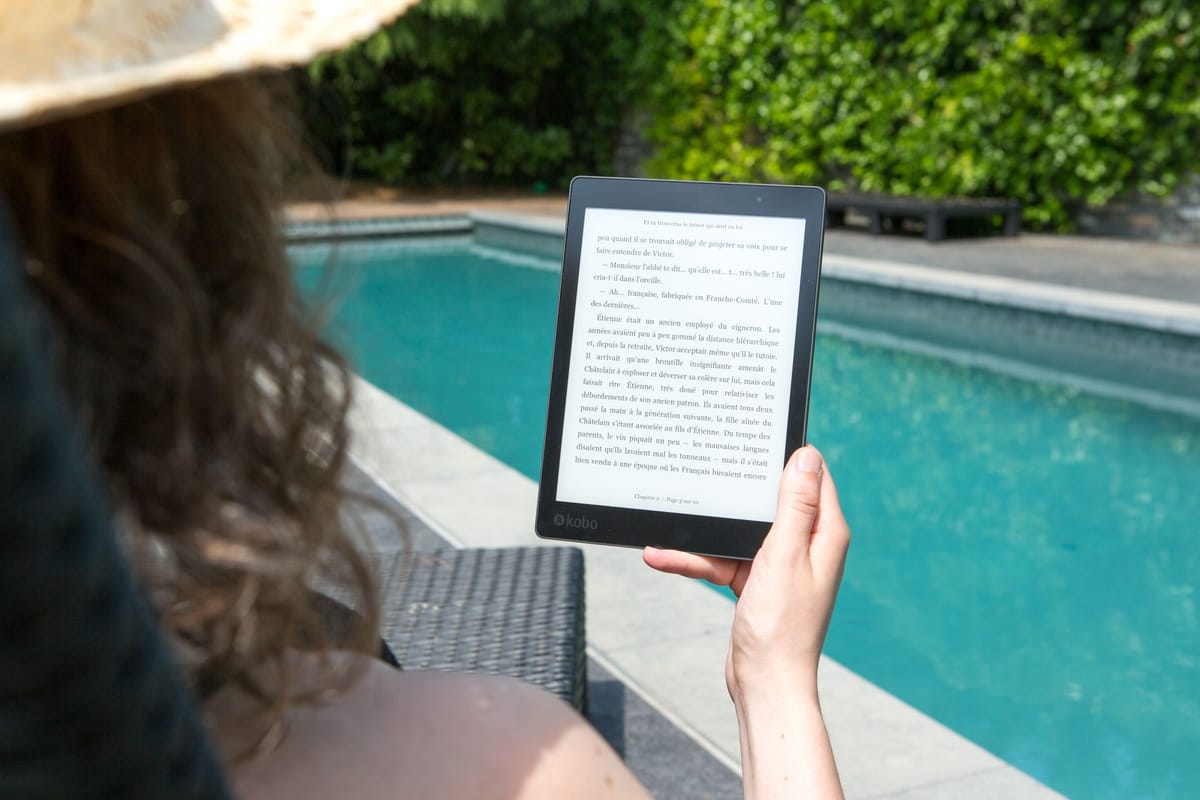


An e-reader and a tablet can both store digital books, but buying one for reading depends on what you want the screen to do after the chapter ends. If novels are a priority, a dedicated e-reader has a narrower purpose. If books share space with PDFs, video, notes and web browsing, a tablet gives you more functions in a single device.
Before you start comparing options, evaluate your reading habits, the type of book files you prefer, how much device weight you want in your hands and what else you expect the screen to handle.
If books are the main job
A dedicated e-reader prioritises books. The Kobo Libra Colour sold locally uses a 7-inch E Ink Kaleido 3 display, weighs 174 g and offers 32 GB of storage. A lighter device can be worth considering if you spend long stretches holding a book in one hand. Price and specifications still vary between models, which makes comparison before you buy worth doing before you settle on a device.
 Liz Thorne
A dedicated e-reader gives you a reading-focused device with fewer functions than a tablet. A tablet gives you one screen for books, apps, video, browsing and notes. Your choice depends on whether books are the main job or one part of what you want from the device.
A tablet can handle more than reading
A tablet can handle ebooks in addition to PDFs, web pages, streaming, notes and other apps. Samsung’s Galaxy Tab S10 Lite has a 10.9-inch display, weighs about 524 g, supports the S Pen and offers microSD expansion up to 2 TB.
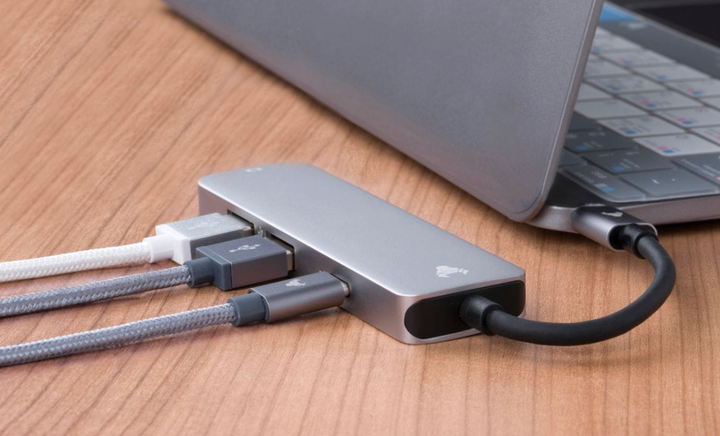
A tablet is the more versatile option if illustrated PDFs, textbooks, magazines or comics share the same device with study or entertainment. Device weight also differs considerably between different devices. Charging is another part of ownership. USB-C cable power ratings can affect charging speed, which is something you should check if your tablet spends much of the day in use.
 Liz Thorne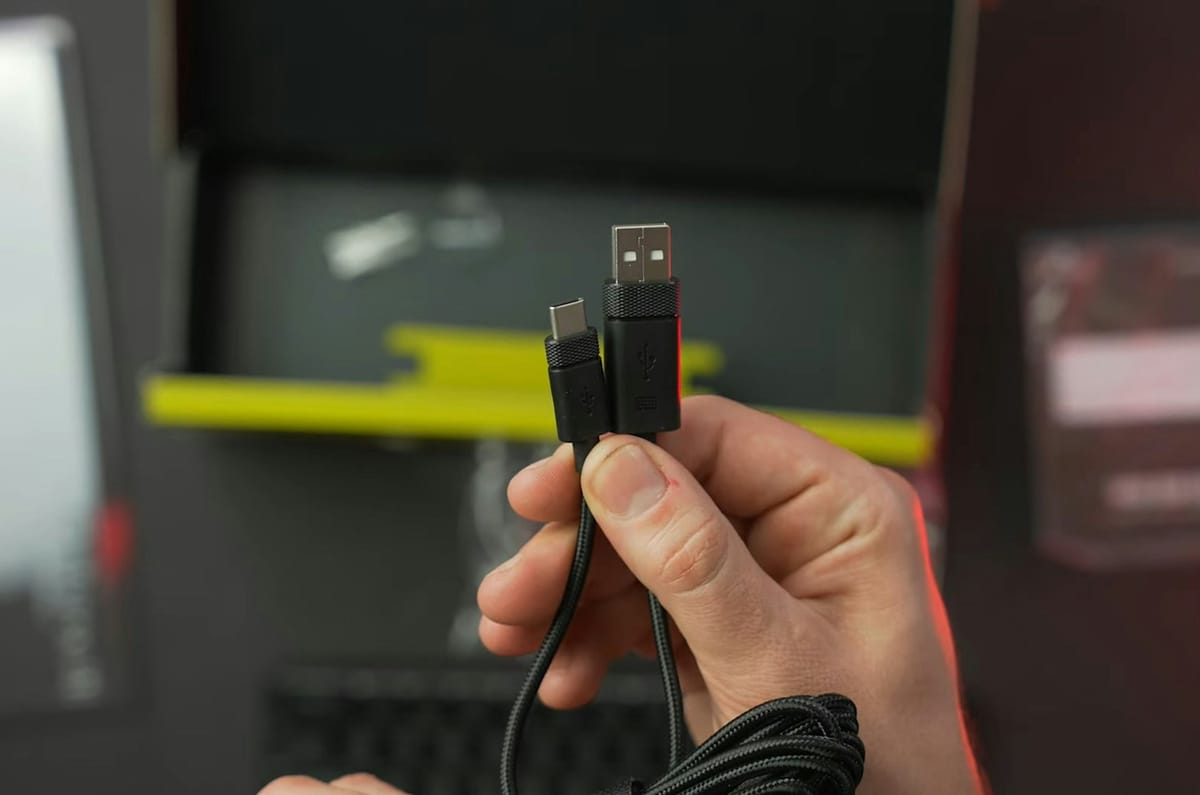
Choose for the books you really open
Consider where and how you read before comparing brands. The Kindle Paperwhite Signature Edition is available locally and has a 7-inch display, an auto-adjusting front light and waterproofing. Those features are perfect if you read in bed, outdoors or near water. Travel also changes what you may want to pack. A compact power bank gives either device another charging option when a plug is not nearby.
 Liz Thorne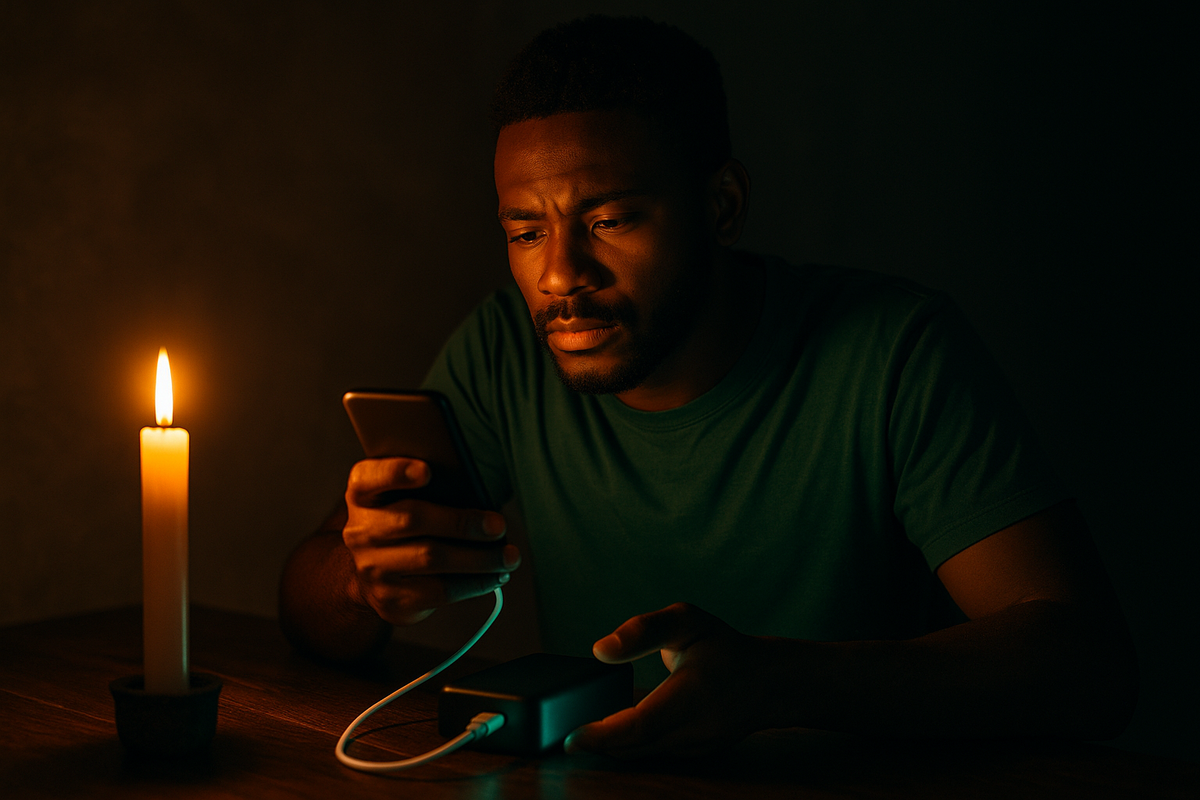
Start with what you read most, then check screen size, weight and the extra functions you would genuinely use. An e-reader fits a book-first routine. A tablet fits when books share the device with work, study, video or browsing.
An e-reader and a tablet can open the same book, but each suites a different routine. Your choice should be based on what you read, how long you hold the device and what else you expect it to do. Buy for the habit you already have, not the feature list you think you should want.
 Mariana Balt
 Lynette Spencer
 Naomi Roebert

Comments ()