

A router may work perfectly in one part of the house while another room struggles to stay online. Understanding how Wi-Fi travels through the home makes the difference between the three main setup options easier to see.

One room drops video calls, and a television in the back bedroom buffers, while the laptop beside the router works normally. Broadband brings a connection into the home. Wi-Fi sends that connection from the router to devices, so trouble in one room may require a different check from trouble throughout the home.
A weak connection in one part of a home could originate from the route between the router and the device. Walls, floors, water, metal, glass and nearby electrical equipment can reduce Wi-Fi signal along that route.
Start with the pattern
Use one device near the router, then in the problem room. A second device could provide another comparison. Note whether the issue appears in one spot, on every device, or after network equipment loses power.
Mobile-data settings may also be relevant where a phone is set to use cellular data after Wi-Fi becomes weak or unavailable.
 Liz Thorne
What can an extender change?
An extender receives the wireless signal available near its position and relays it farther. The connection between the main router and extender is still wireless.
Therefore, placement is essential. An extender placed where Wi-Fi is already unreliable starts from a weak connection before sending anything onward.
What change can mesh make?
A mesh network uses a main router and additional Wi-Fi points. According to Google, Nest Wi-Fi and Google Wi-Fi units are points within the mesh network, extending coverage beyond the primary router.
Several points make Wi-Fi available in more than one part of the home, while the fixed internet service still enters through the main connection.
An extender relays Wi-Fi from the main router, while a mesh system uses several Wi-Fi points around a home. Access-point mode takes a wired network connection and creates Wi-Fi from another location.
What a second router could do
“Second router” can describe more than one setup. In access-point mode, a compatible router connects to the existing network through Ethernet and broadcasts Wi-Fi in another room.
Router mode differs from access-point mode and may require a separate network configuration. The manual for the exact model can confirm which modes are available and what wiring is required.
A power interruption is not a dead zone
A power interruption needs a different response from a coverage gap. Backup power for an ONT and router concerns network equipment that has lost electricity; it does not explain one room with poor Wi-Fi while the router remains online.
 Liz Thorne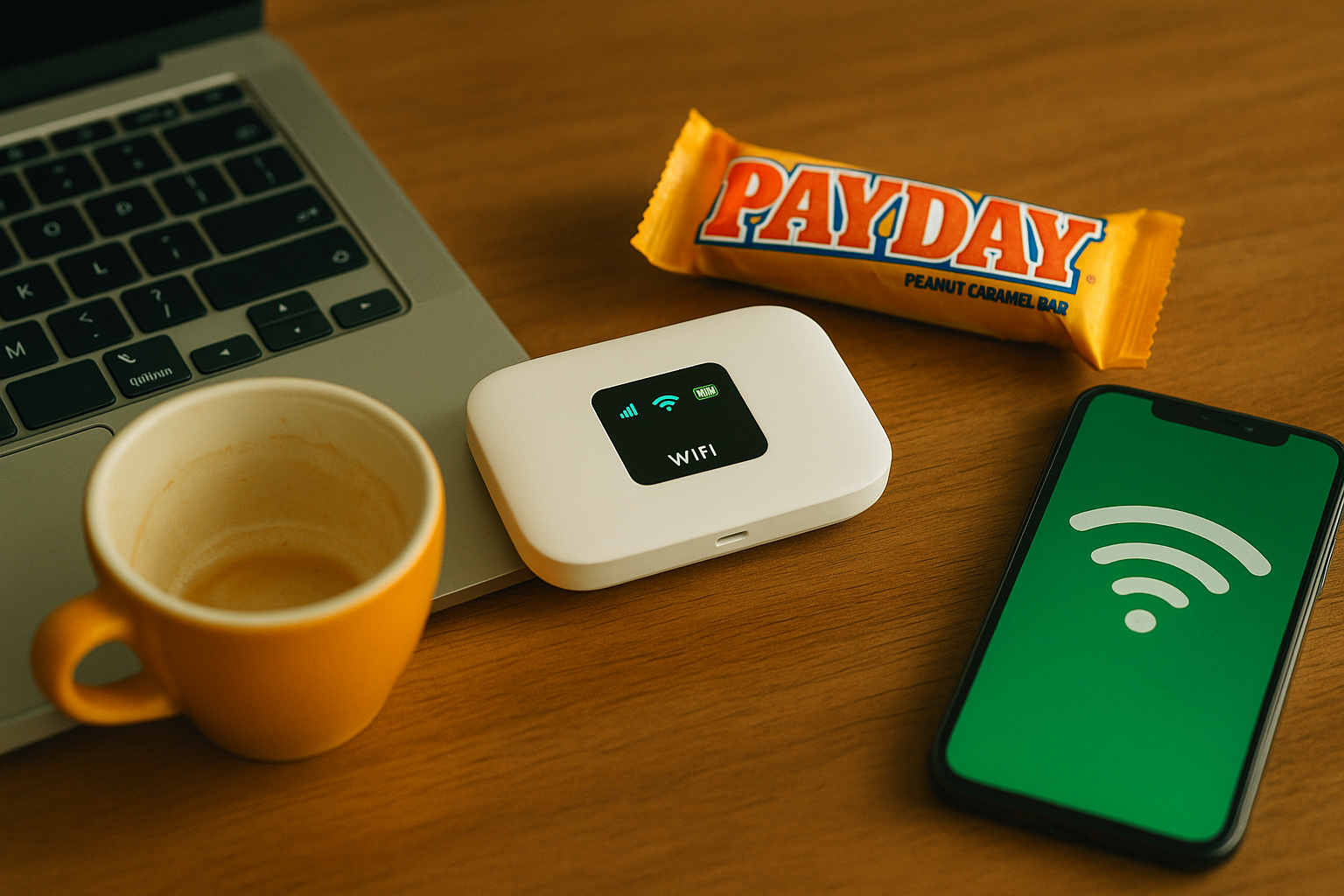
Connected devices can expose a coverage gap
Wi-Fi-dependent smart-home devices need a usable network in the room where each device is placed. A camera, smart plug or robot vacuum in a distant room offers another point of comparison when checking home Wi-Fi coverage.
 Liz Thorne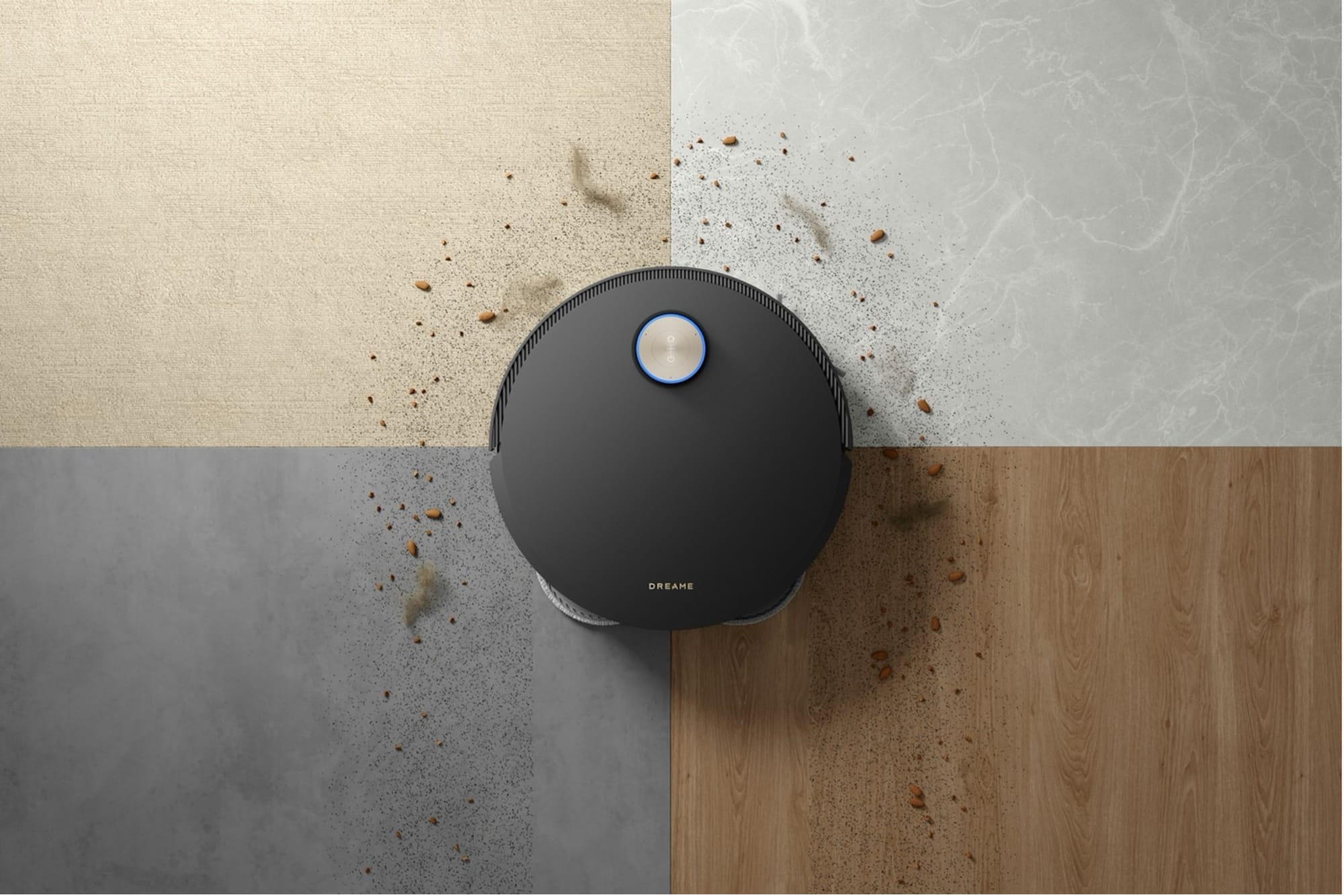
A dead zone starts with one question: where does a working connection stop reaching the room where it is needed?
An extender, mesh system and second router set up as an access point could change that route in different ways, while a fault with the incoming service or equipment without power is often elsewhere. The missing signal might not identify the cause on its own, but it could indicate where the investigation should start.
 Mariana Balt
 Naomi Roebert
 Lynette Spencer
 Anchen Coetzee



Comments ()