
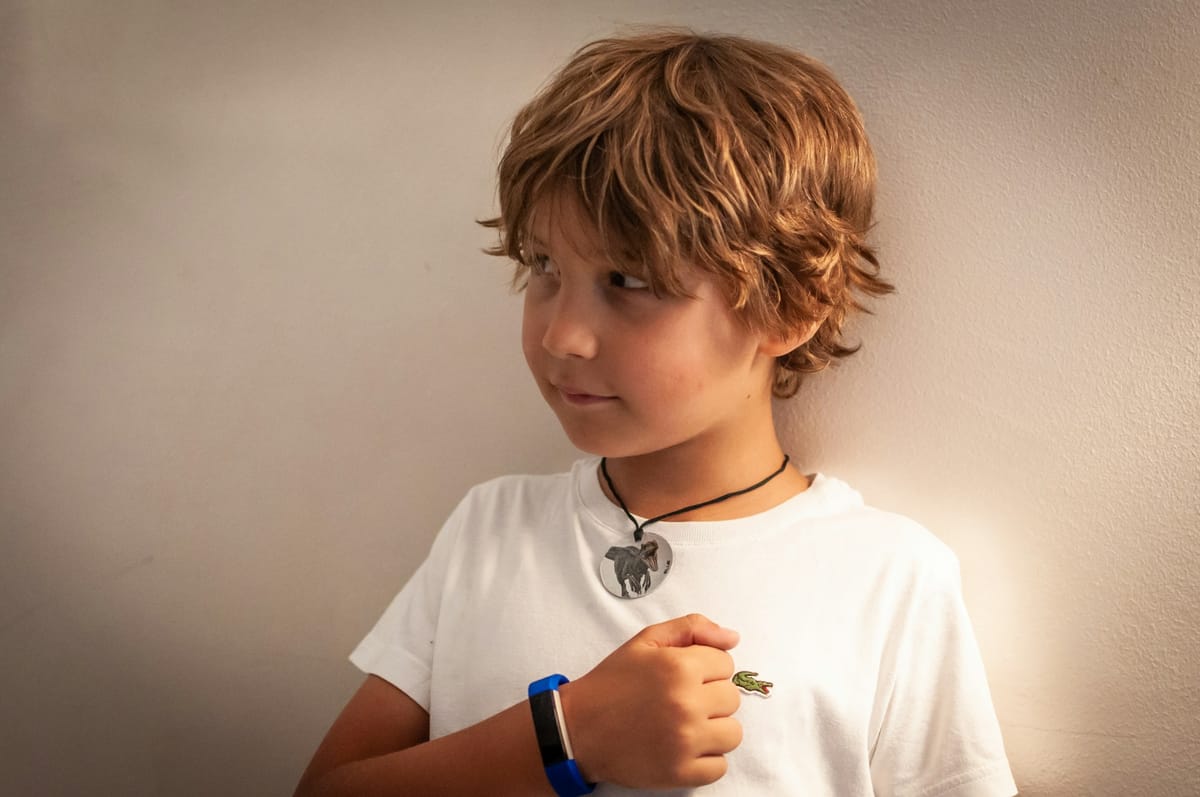
A watch on your child’s wrist can reveal far more than a dot on a map, including school routes and daily routines. The right privacy checks can help you choose a device without giving unknown parties unnecessary insight into your child’s life.

A GPS watch can give your child a direct call button, location tools and an SOS feature without handing over a smartphone. The purchase also places a connected device on your child’s wrist, backed by an app, an account and a company that receives personal data.
Price, battery life and strap quality should be checked, but privacy belongs on the buying checklist. Compare the model beyond its price tag before buying.
 Liz Thorne
Check what information leaves the watch
Read the app permissions and privacy policy before setup. Check whether the model records live location, location history, contacts, voice notes, photographs or a device identifier. Enquire about where each record is stored, who receives it, how long it is retained and whether you can erase it.
Section 34 of POPIA prohibits the processing of a child’s personal information, subject to the exceptions in section 35. Parents should not treat consent as a blank cheque for every data category or purpose.
A location pin can help you find your child, but the same record can reveal a home address, school and daily routine. Privacy begins with knowing who receives the record, how long it is retained and how you can delete it.
Control who can sign in
Create the parent account with a unique password and multifactor authentication where available. Check how another guardian joins the account, how you remove that person and whether the app sends alerts after a new login.
A lost parent phone could expose the companion app, which makes phone security settings part of the watch setup.
 Liz Thorne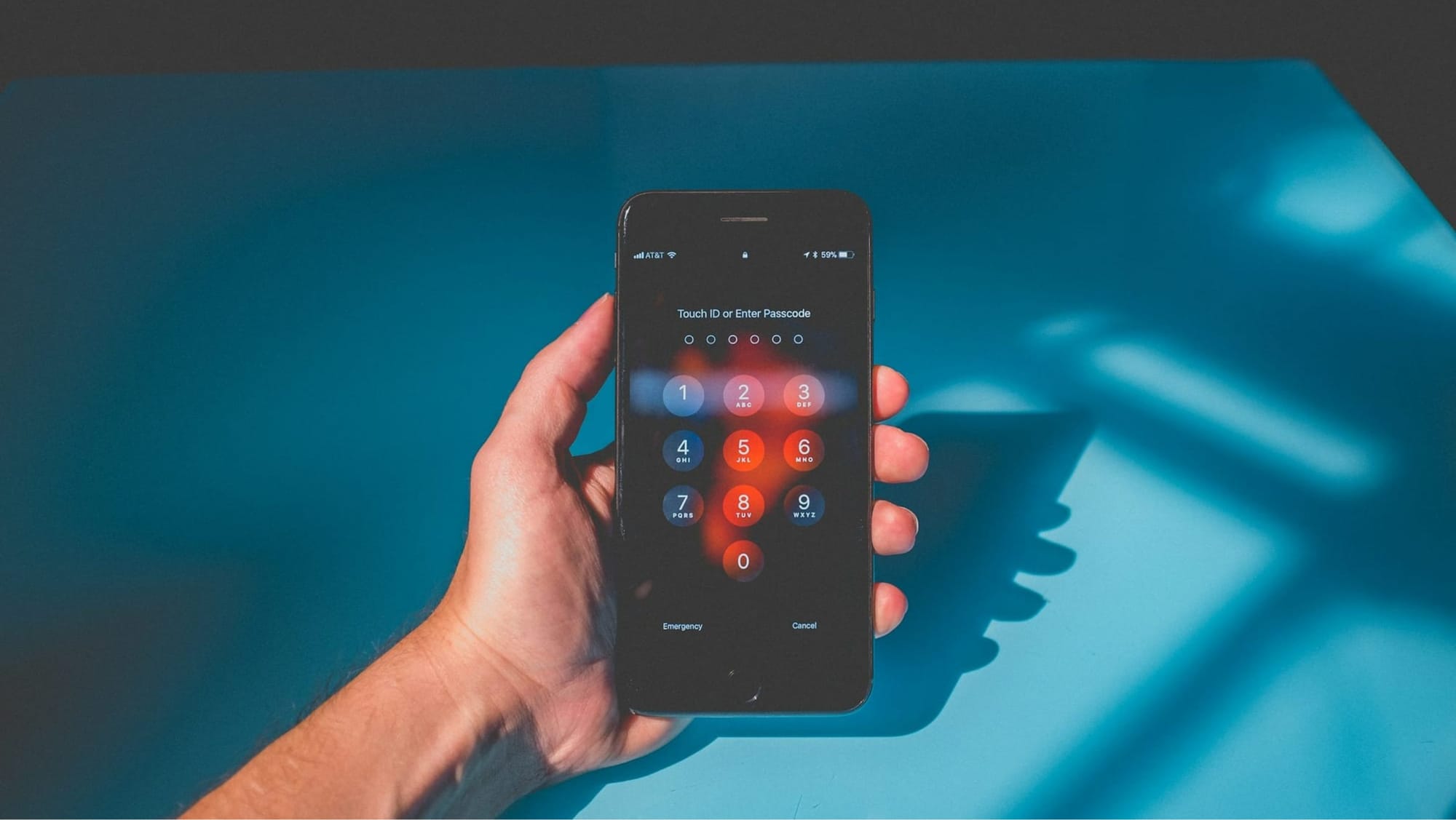
Guidance from South Africa’s Information Regulator indicates that responsible parties must comply with the relevant POPIA provisions when processing children’s personal information. Ask the seller how you can close the account and erase your child’s profile after replacement or resale.
Tell your child what the watch does
Explain when you might check the map, who can view it and what happens after an SOS alert. Agree on school hours, contact rules and circumstances that justify a location check. Ask the school about cameras, microphones or voice messages before your child wears the device to class.
South Africa’s Cybersecurity Hub accepts incident reports and routes cyber incidents to the relevant authority. Save the seller’s details, proof of purchase, account emails and screenshots if you suspect unauthorised entry.
A safety tool should support family communication, not turn childhood into a permanent location log. Your child should know who can view the map and when. You should know where the data goes after the screen closes.
Choose the watch only after the seller answers every privacy check in plain language. Give your child a direct route to call for help without collecting personal data the service does not need. A route home should not create a data trail no one can explain.
 Anchen Coetzee
 Naomi Roebert
 Mariana Balt
 Lynette Spencer


Comments ()