

Phone theft can quickly become an account security issue. A clear order of action helps when every minute counts.

A stolen phone can create more problems than the cost of replacing the handset. Banking apps, email accounts, authentication tools and mobile numbers are now tied to a single device for many people. Knowing what to do first can reduce the risk of unauthorised access and fraudulent activity.
Block the SIM immediately, then call your bank
Use another phone to contact your bank through a number listed on its official website. Ask the agent to suspend the SIM immediately and, where appropriate, blacklist the handset through its IMEI (if you have it). Write down the reference number and the time of the call.
Call your bank's fraud line, report the stolen phone, and ask how you can delink or block the device. Remember to ask whether cards, payment functions or the banking profile need to be blocked temporarily.
A missing phone is a possible route into most accounts, not merely a replacement expense. A blocked SIM can prevent access to SMS-based verification codes. Prioritise securing access to accounts before dealing with insurance claims or device replacement.
 Liz Thorne
Lock the phone
Use another device or your laptop to access Apple’s Find My service or Google Find Hub. Select the missing phone and mark it as lost. On an iPhone, Lost Mode locks the device and suspends Apple Pay cards and passes. On Android, "Mark as lost" locks the screen, hides notifications and can display a contact number on the handset.
Secure your email address
Your email is the account that can reset passwords, receive security alerts and approve access to other services, which makes it one of the first accounts that should be secured after a theft. From a trusted computer, open the security settings for the main email account. Remove the missing phone from the device list, and sign out of every session linked to it.
 Liz Thorne
Remove device sessions
Open the security pages for Apple, Google, WhatsApp, cloud storage, shopping accounts and social accounts. Remove the stolen device and end any session connected to it. Passkeys and multi-factor authentication should also be reviewed after a phone theft, especially where banking, crypto wallets or payment apps are involved.
Change passwords in a priority order
Start with your primary email account, then cloud storage, shopping accounts, messaging and social profiles. Always use a trusted computer or a replacement phone, not a device borrowed from an unfamiliar person.
Follow your bank’s instructions before changing banking credentials. Ignore unsolicited calls, texts and prompts that claim a password reset or profile update is required. If you are concerned about scam calls after a theft, review tools that screen or block unwanted calls.
 Liz Thorne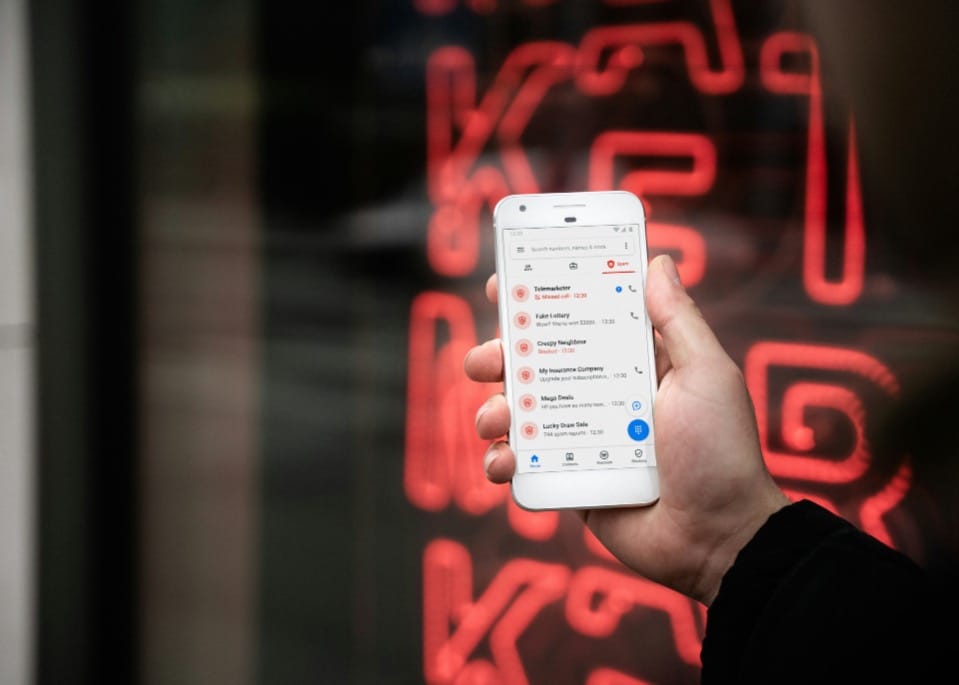
Review payment and transfer settings
Review your recent transactions as soon as banking access is restored. Review beneficiaries, payees, scheduled payments, linked devices, contact details and card controls. Ask the bank to confirm any unfamiliar change and to record the fraud report against your profile.
Continue monitoring your account for unfamiliar beneficiaries, transaction notifications, device registrations or contact-detail changes. Understanding common fraud tactics can also help you review account activity after a theft.
A stolen phone is no longer only a lost device. For many people, it is also the key to email accounts, banking profiles, authentication tools and personal information.
Acting quickly can reduce the number of routes available to a criminal and limit the risk of further damage. Once access has been secured, you can turn your attention to replacing the device and dealing with the practical inconvenience of the loss.
 Lynette Spencer
 Anchen Coetzee
 Mariana Balt
 Naomi Roebert



Comments ()